The browser is not supported
To display the website correctly, please use one of the following browsers.CautionPlease update your browser, if you proceed with this browser, your shopping experience might not be successful!

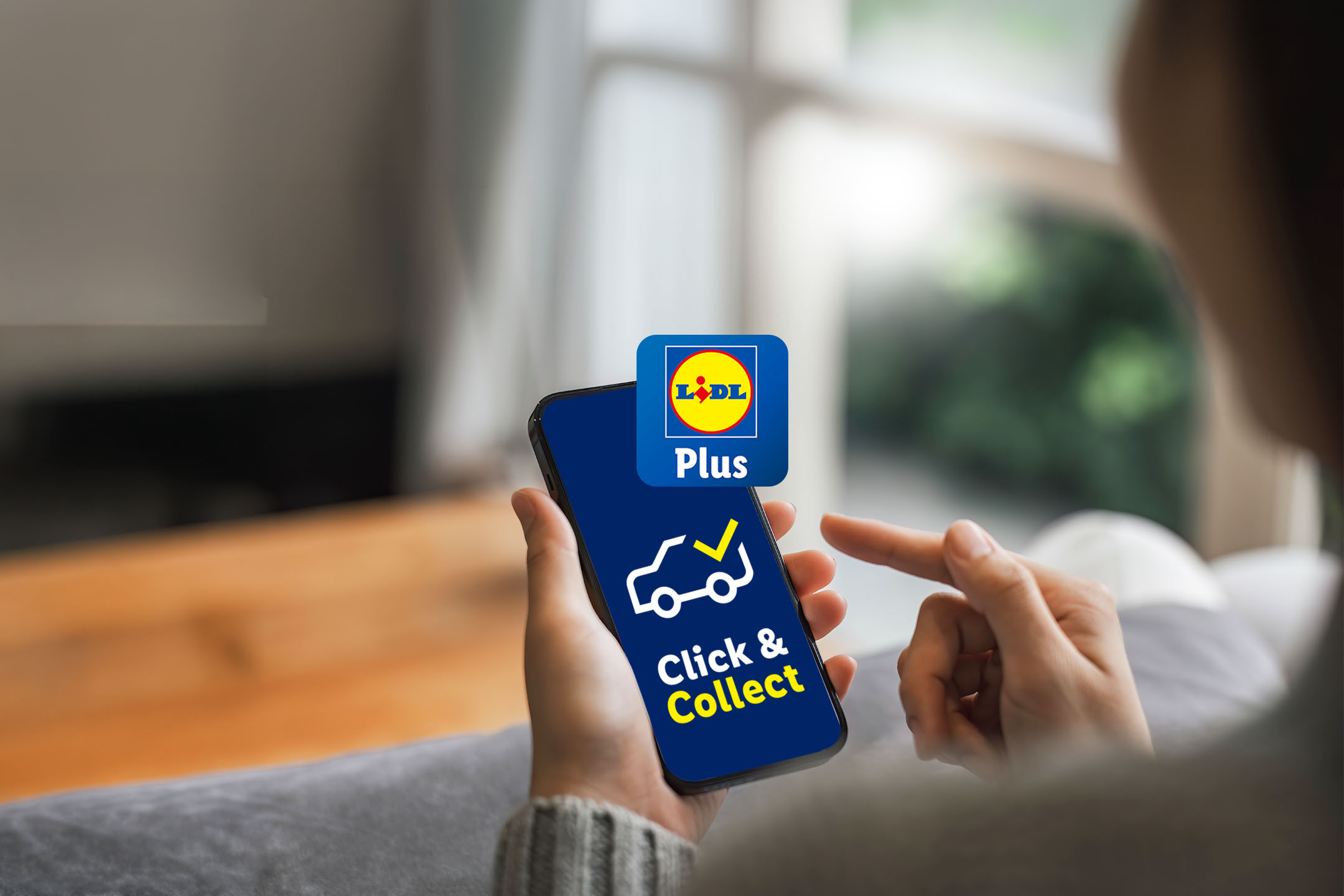
    Click & Collect is here!

    It's simple to Click & Collect at Lidl Tallaght using the Lidl Plus app! Just follow the 3 easy steps below to play for order for collection.


    Try it for free for 5 weeks! Activate your Lidl Plus coupon each week and your €4.99 service fee is on us!

    1. Blue background with yellow text: 'Click & Collect' and white text: 'is here!'
      3 easy steps

      New to Lidl Tallaght Main Road

    2. A white outline of a smartphone with a yellow thumbs-up icon on a blue background.
      1.

      Shop using Click & Collect in the Lidl Plus App.

    3. A clock icon with a white circle and yellow hands on a blue background.
      2.

      Select Lidl Tallaght and a collection slot that suits you.

    4. Outline of a car with a yellow checkmark above it on a blue background.
      3.

      Park in a Click & Collect space and tap "I'm in the parking lot" in the Lidl Plus App.

    Frequently Asked Questions (FAQs)


    Getting Started & Account Registration

    To use the Click and Collect service, first download the Lidl app. Then, create an account and select your preferred store as a Click and Collect location.

    To use the Click & Collect service, first download the Lidl app. Then, create an account and select your preferred store as a Click & Collect location.

    You can browse our product catalogue and add items to your basket without registering. However, you must register before you can complete your order.

    To register you must download the Lidl app onto your phone and complete a very simple registration process by going to the menu at the bottom of the screen: ...More > Profile > Login or register.


    Remember that you must be over 18 to register.

    To use the Click & Collect service, you must first set up Lidl Pay. This is a straightforward process that can be completed during checkout when you finish your shop.

    To change your personal data in the Lidl app:

    1. Open the Lidl app and log in.
    2. Click on “More” at the bottom right, then on “Profile”.
    3. Click on “My Lidl Plus Account” to customise your data, such as first name, surname, date of birth, and gender.

    Placing Your Order

    To place an order for collection:

    1. Sign in to your account.
    2. Choose a store which is offering Click & Collect
    3. Select a convenient date and time for your collection.
    4. Browse the catalogue by category or search for specific items, then add them to your basket.
    5. Complete the payment process at checkout after confirming your collection details.

    Simply type the name of the product you are looking for in the search bar at the top of the page. You can also browse by product category in the catalogue

    While it is not mandatory to select a collection slot before shopping, doing so is recommended. Choosing a slot ensures you have the best selection of available collection times and enables you to see the promotions and product availability specific to your chosen store on that particular day.

    A minimum spend of €50.00 is required for all orders.

    Yes. Items you add to your trolley will remain there until you complete your purchase. However, your reserved collection slot is usually held for a limited time of 2 hours, so you may need to re-select a slot if you return later.

    Due to legal restrictions, alcohol cannot be sold before 10:30am (Monday-Saturday) or 12:30pm (Sunday).

    Collection Information

    To check if a Lidl store offers the Click & Collect service, follow these steps:


    1. Navigate to the store icon located in the top left corner of your screen.
    2. Click on the Lidl Icon on the map. Stores can be viewed in either map or list format,
    3. Scroll down to the 'Services' section.


    Click & Collect is only offered at select Lidl locations. Stores that offer this service will include "Click & Collect available" in their services list.

    Collection hours typically run from 11:00am to 8:00pm, though these hours may vary by store. All currently available collection slots can be viewed within the app's slot calendar.

    A service fee of €4.99 is applied to all orders.

    To ensure a smooth collection process, please remember to bring the following items:

    • Your Phone: Essential for letting us know when you arrive outside. Please ensure it is charged.
    • Your Order Confirmation: The email or app version is acceptable.
    • A Valid Form of ID: Required, especially if your purchase includes age-restricted items like alcohol.
    • We will provide your order in cardboard boxes, so there is no need to bring your own bags for transport.

    Here are the steps for collecting your Click & Collect order:


    1. Arrive and Park: Follow the signs to the designated Click & Collect parking area and park your car in one of the numbered bays (Bay 1, 2, or 3).
    2. Notify the Store: Open the Lidl Plus app and tap the "I’m in the parking lot" button. Select the number of your parking bay to notify a colleague of your arrival.
    3. Receive Your Order: A Lidl staff member will bring your shopping directly to your car.
    4. Confirm Collection: Please provide your CollectionPIN code, which is available in the Lidl Plus app, to the staff member to complete your collection.
    Yes, a friend or family member can collect your order for you. The easiest way to arrange this is by using the 'share' option in the app to send them your order confirmation.


    When they collect the order on your behalf, they will need to follow all the usual collection steps, including providing the order confirmation number. If the order includes any alcohol, they must also present a valid form of ID.

    Payment & Pricing

    Your payment is processed when your order is collected, not at the time of online checkout. This approach ensures you are accurately charged only for the items you receive, factoring in any weight adjustments, product substitutions, or out-of-stock items.

    We pre-approve your card's validity by temporarily reserving the amount. We do this by getting a pre-authorisation from your bank for 115% of your shop total.


    We take a pre-authorisation of the order value plus an extra 15%.


    This additional 15% is to account for any potential changes to your order, such as product substitutions, before your scheduled delivery.


    Please note that we do not charge you immediately. You will only be charged on the day of delivery. It is important to ensure your card remains valid and has sufficient funds available on that day.


    The final, correct price is calculated at the moment of handover. This price will reflect the current in-store pricing, any activated Lidl Plus coupons, and the Service Fee. We will only debit this final amount due. Your bank will release any excess funds from the pre-authorisation (processing times are subject to your bank).

    Payment must be completed using Lidl Pay. For additional details, please see the information on Lidl Pay.

    The online price is a guide. The actual price you pay is calculated on the day of collection. Differences occur because:


    1. Loose items (fruit, veg, meat) are weighed, so the price may vary slightly.
    2. Substituted items may have a different price.
    3. Prices for some products may change between the day you order and the day of collection.

    To use a coupon, you must activate it before completing your purchase, just as you would in-store. You can also apply your available Lidl Plus Points during the checkout process. For more information, please refer to the Lidl Plus Points section.

    Managing Your Order (Amendments & Substitutions)

    You have until midnight (12:00am) on the day before your scheduled collection to make changes to your order, including adding or removing items.

    1. Open the app.
    2. Navigate to your order details from the homescreen.
    3. Go to your specific order.
    4. Click "View Details."
    5. Scroll down and click "Change Order."


    Please note: Once your original order is cancelled, you will receive a confirmation email. You can then make any necessary changes, such as adding or removing items, before re-booking. A second confirmation email will be sent once your amended order is complete.

    To cancel your order, open the app, navigate to your order details on the homescreen, click "View Details," scroll down, and then click "Cancel Order."


    Please note that cancellation is only possible up until midnight the night before your scheduled collection date.

    If an item you ordered is unavailable, our team will select the best possible substitute for you.


    However, you have control over this. You can easily manage substitutions by using the toggle option in your basket to opt-in. For more tailored preferences, you can also specify at the product level which items you are happy for us to substitute and which you are not.

    Yes, you can leave specific notes for your personal shopper on the basket page (e.g., "Green bananas please"). They will try their best to follow your instructions.

    If you are not happy with a substitution, simply hand it back to the colleague at the collection point, and you will receive a full refund for that item.

    Returns & Issues

    We apologise if an item is missing. Please check your receipt to see if it was marked as out of stock. If you have been charged for an item you did not receive, please contact our Customer Service team.

    If damage is observed upon collection, you should immediately return the item to the colleague for a refund. Should you discover the damage after leaving the collection point, please contact Customer Service or return the item to the store, ensuring you have your phone with the digital receipt as proof of purchase.

    Generally, you can return unwanted items to the store in saleable condition with your receipt for a refund or exchange.

    Download the Lidl Plus app below:

    1 - Download. 2 - Activate. 3 - Scan.

    • App Store
    • Google Play Store